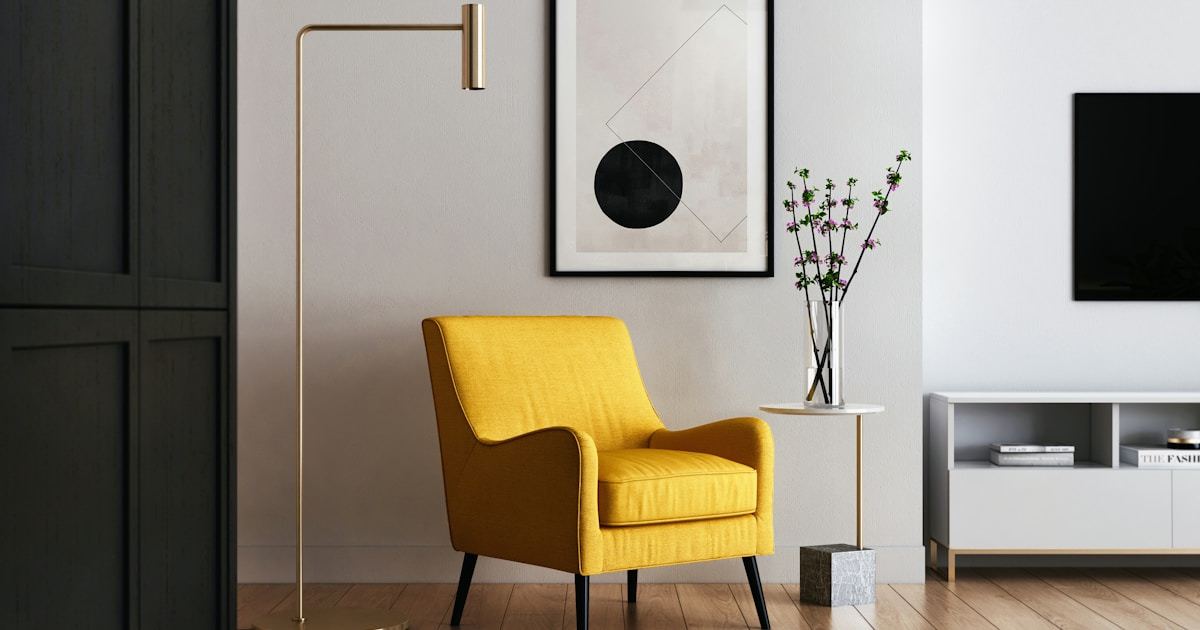
Media Console Cable Management: Hidden Storage That Keeps Family Living Rooms Tidy
Why Your Living Room Looks Messy (It Is Not the Toys)
Walk into any family living room and scan the TV wall area. The toys get attention, but the real visual chaos comes from below: a tangle of HDMI cables, power strips peeking out from behind the console, gaming controllers scattered across the floor, and the Wi-Fi router blinking in the corner of your eye.
Choosing a Console With Real Cable Management
Not all cable management features are equal. Here is what actually works:
- Grommet holes with silicone inserts: These let cables pass through the back panel while keeping dust out. Look for 2 inch diameter minimum.
- Raised back panels: A 3-4 inch gap between the back panel and the wall creates a hidden channel for cables to run vertically.
- Internal power strip shelf: A dedicated shelf inside the console keeps your surge protector hidden, accessible, and protected from curious toddlers.
- Adjustable interior shelving: As your equipment changes, you need flexibility. Fixed shelving becomes a problem within two years.
The Family-Specific Challenges
Cord Safety for Young Children
Exposed cables are a choking and strangulation hazard. Any cable management system in a family home must ensure zero cables are accessible to children under 3.
Equipment Accessibility for Daily Use
Kids need to access gaming controllers, remote controls, and charging cables daily. The best family media consoles have a hybrid approach: open cubbies at child-height for frequently used items, and closed compartments for electronics that should stay hidden.
Five-Step Setup for a Clean Look
Step 1: Mount the console 4-6 inches from the wall. Step 2: Run all cables through the back panel grommets. Step 3: Bundle cables with velcro wraps. Step 4: Mount the power strip to the internal shelf. Step 5: Use a cable raceway along the baseboard for any cables that must exit the console area.
More Articles
 Best Outdoor Furniture for Palette: Color, Material, and Design Harmony
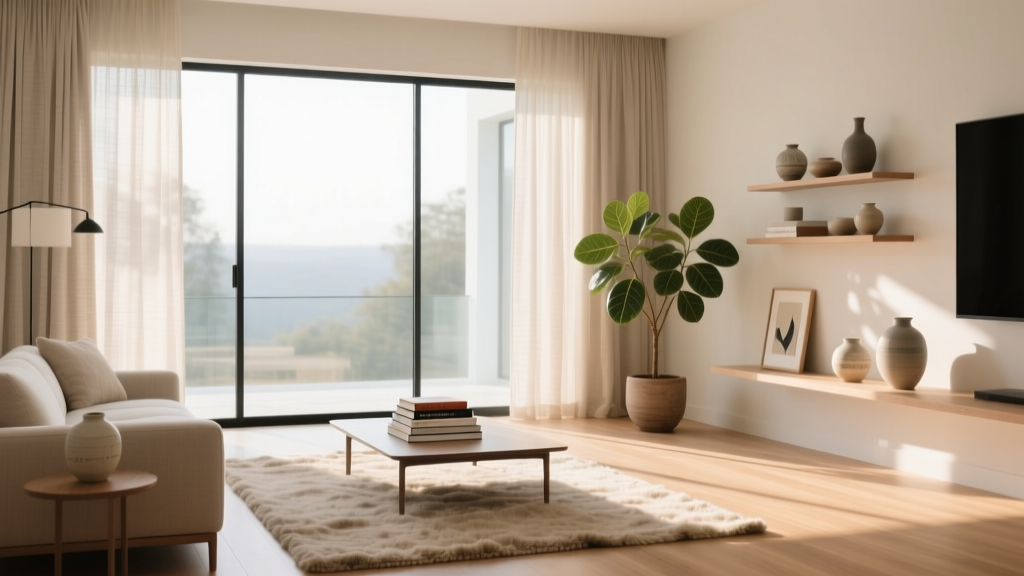 Conversation Pit Living Room Ideas
 Friendly FAQ Answered: Practical Living Room Design Solutions You Can Trust
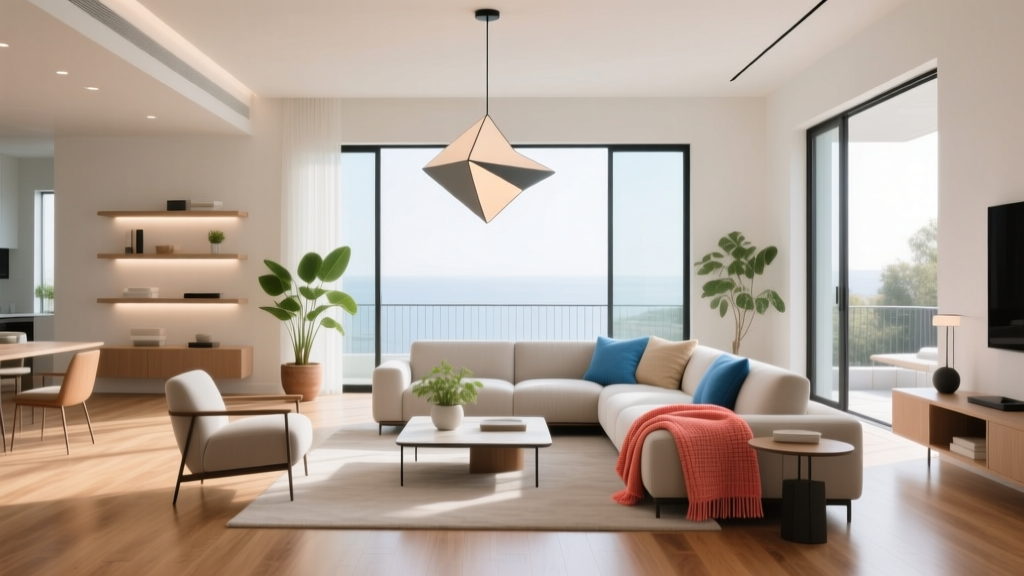 Minimalist Living Room Under 200 Sq Ft: Making Small Spaces Feel Expansive
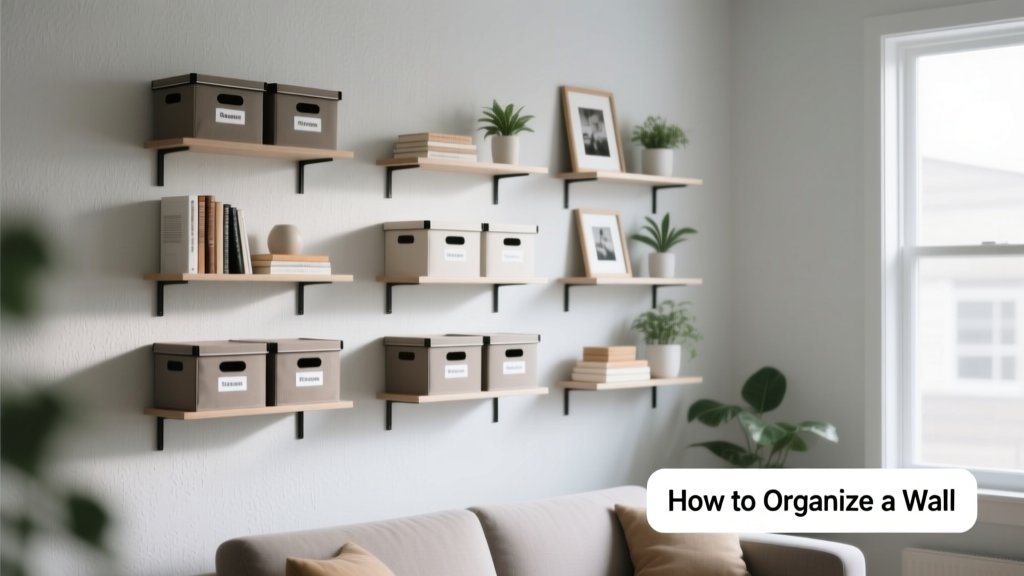 How To Organize Wall Space: Smart, Stylish, and Functional Solutions for Every Room
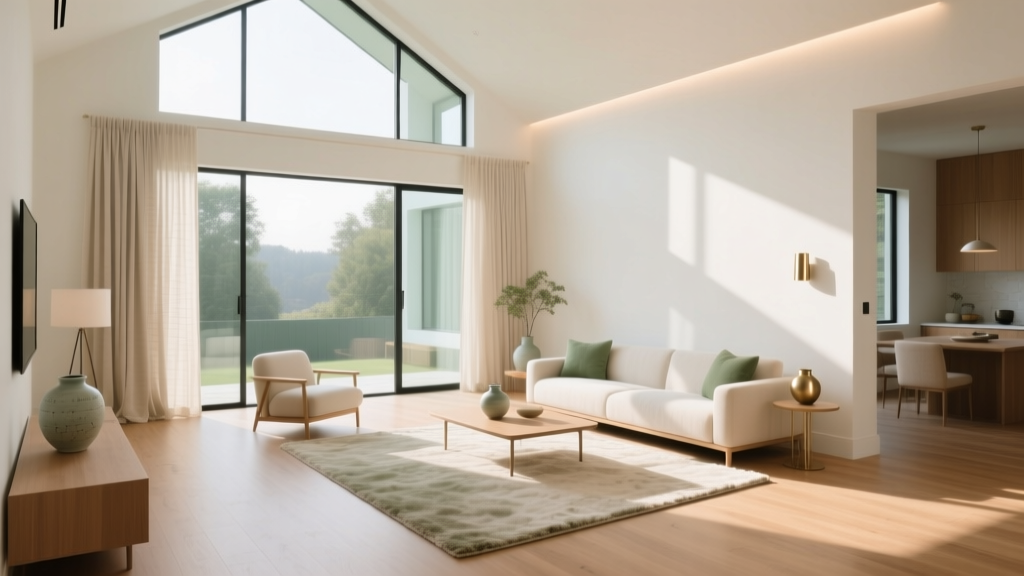 TV Wall Units: Style Meets Storage
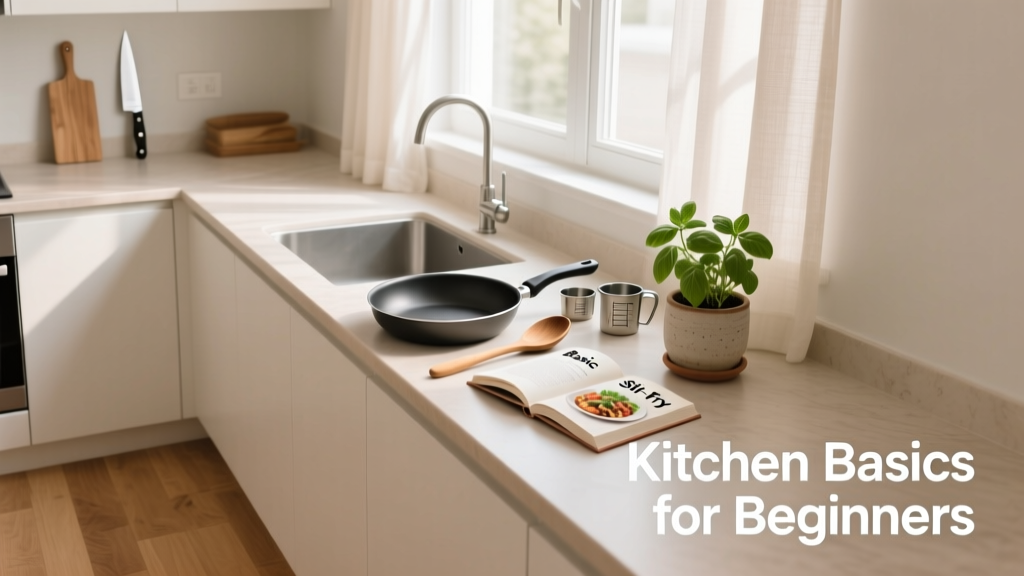 Kitchen For Beginners: Practical Setup, Smart Layouts, and Essential Gear for Your First Real Kitchen
 How To Choose Color: A Practical, Science-Informed Guide for Living Spaces
 Start vs Living: Why Your First Living Room Should Prioritize Function Over Finish
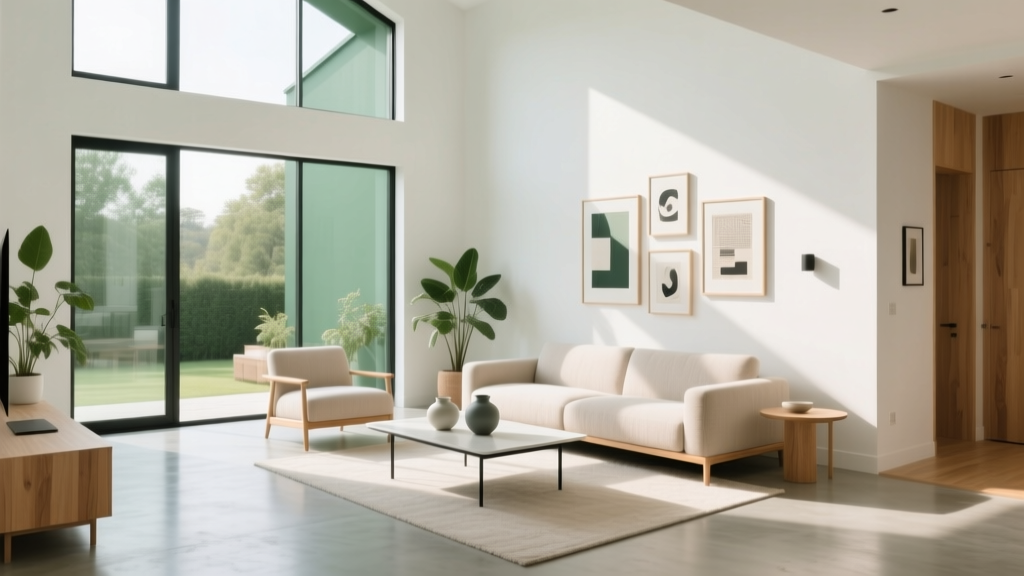 Kid-Proof Living Rooms That Still Look Chic